


Something fundamental has changed about how students learn. Not long ago, struggling through a tough concept meant re-reading the same paragraph four times, hunting through YouTube tutorials, or waiting until office hours to ask a professor. Today, a growing number of students have something far more powerful at their fingertips: AI.
Artificial intelligence has evolved from a tech novelty to a genuine academic companion. From breaking down dense scientific theories to polishing a final essay draft at midnight, AI tools are transforming the student experience in ways that were previously unimaginable just a few years ago.
But here is the challenge: there are now dozens of AI tools competing for student attention, and not all of them are created equal. Some are built for productivity. Some are built for conversation. And some are specifically designed to help students actually understand material — a distinction that matters more than most people realirealiseis guide breaks down the best free AI tools available to students in 2026, what each one does well, and how to decide which one fits your learning needs.
Why AI Has Become a Student Essential
Before diving into the tools themselves, it helps to understand why students are gravitating toward AI in the first place. The reasons go beyond convenience.
Concepts on demand. A student studying at 11 PM cannot call a tutor. But they can ask an AI to walk them through quantum mechanics step by step, with examples tailored to their level of understanding — instantly.
Smarter study sessions. AI can turn a 40-page chapter into a focused summary, then generate quiz questions to test retention. What might take two hours of manual prep takes minutes.
Writing support at every stage. From brainstorming a thesis to fixing awkward sentence structure, AI tools guide students through the writing process without doing the thinking for them.
Active engagement with content. Rather than passively absorbing information, students can interact with it — asking follow-up questions, exploring related ideas, and challenging their own understanding.
These advantages explain why AI has gone from an optional experiment to an everyday necessity for millions of students worldwide.
The Best Free AI Tools for Students in 2026
1. Luminary — Built for Understanding, Not Just Answering
Most AI tools give you answers. Luminary gives you understanding — and that is a meaningful difference.
Luminary positions itself as an Understanding Engine, built from the ground up with learners in mind. Its flagship feature is a text interaction model that lets students highlight any piece of content — whether that is a paragraph in a research paper, a line inside a document, or even text within a chat conversation — and instantly analyses deeper meaning.
When a student selects text and triggers analysis, Luminary provides a structured breakdown that covers the core explanation of the concept, the broader context surrounding it, real-world examples, a short quiz to test comprehension, cited sources for further reading, and connections to related ideas. Each of these elements builds genuine understanding rather than surface-level recall.
Beyond its highlight-based feature, Luminary also works as a capable AI chat assistant, with responses designed to be clear, structured, and concept-oriented rather than purely conversational.
Additional strengths include built-in real-time web search so students can pull in current sources, and access to multiple AI models from a single platform — including GPT, Gemini, Claude, Grok, DeepSeek, and Sonar models. This multi-model setup means students are not locked into one AI’s strengths or blind spots.
Luminary is available as both a web app and a dedicated mobile application, making it practical for studying anywhere.
Best for: Students who want to genuinely understand course material, not just get quick answers.
2. ChatGPT / Gemini / Grok / Claude — The Conversational Powerhouses
Websites: chat.openai.com | gemini.google.com | claude.ai | grok.x.ai
These four platforms represent the most widely used AI assistants on the planet. Each is powered by a leading large language model, and all offer free tiers that give students access to impressive capabilities without spending a cent.
For students, these tools shine in situations that call for flexibility and breadth. You can ask them to explain a historical event, summarise an academic paper, help you outline an argumentative essay, generate practice problems in calculus, or brainstorm research angles for a sociology project. The range of topics they can handle is virtually unlimited.
The key characteristic shared across all four is that they are designed for conversation. Students interact with them through back-and-forth dialogue, which works well for exploratory thinking but can require more effort when seeking structured, in-depth learning on a specific concept.
Each platform has its own personality and strengths — ChatGPT is well-rounded and widely supported, Gemini integrates tightly with Google’s ecosystem, Claude tends to excel at nuanced reasoning and long documents, and Grok leans into real-time information access.
Best for: Quick concept explanations, essay brainstorming, summarisation, general academic Q&A.
3. NotebookLM — Your Documents, Made Smarter
Website: notebooklm. google
NotebookLM is Google’s research-focused AI tool, and it takes a distinctly different approach from general chatbots. Instead of drawing on broad training data to answer questions, NotebookLM works almost entirely from sources that you provide.
The workflow is straightforward: upload your lecture slides, textbook chapters, research articles, or class notes, and NotebookLM analyses specific documents. You can then ask it questions and receive answers grounded entirely in your uploaded material, complete with references to the exact passages it drew from.
This makes NotebookLM especially valuable for research-heavy subjects, thesis preparation, or studying for exams where you need to stay close to your actual course material rather than general information. It also offers features for generating summaries and study guides directly from your documents.
The trade-off is that it is primarily a document interaction tool rather than a concept learning environment. It helps you extract and organise what is in your materials — but expanding beyond those sources requires a different tool.
Best for: Students managing large amounts of reading material, working on research projects, or preparing for content-specific exams.
4. Notion AI — Organise
Notion has been a favourite productivity platform among students, and its built-in AI features extend that usefulness in practical ways.
Notion AI is not a standalone learning tool — it lives inside Notion’s workspace and enhances note-taking and organisation. Students can use it to clean up messy notes, generate structured outlines from rough ideas, summarise content, improve the clarity of written work, or brainstorm points for an upcoming assignment.
Because it operates within a platform that many students already use for task management and note organisation, AI offers a seamless way to add AI assistance to an existing workflow without switching between multiple applications.
That said, if a student’s primary goal is deep understanding of academic concepts, Notion AI is not the most purpose-built option. It excels at helping you manage and communicate information rather than teaching you to understand it.
Best for: Students who want to enhance their note-taking and organisation with AI assistance.
5. Grammarly AI — Polish Every Word You Write
Academic writing is a skill that matters enormously across nearly every field of study. Grammarly AI has established itself as one of the most trusted writing improvement tools available, and its AI-enhanced features take it well beyond basic spell-checking.
Grammarly can identify grammatical errors, suggest improvements to sentence structure, analyse whether your tone is appropriate for an academic audience, flag unclear phrasing, and even offer AI-powered rewrites of sections that need strengthening. It integrates with web browsers, Microsoft Word, and Google Docs, making it practical to use wherever you write.
For students submitting essays, lab reports, dissertations, or professional emails, Grammarly can meaningfully elevate the quality of written output. It does not generate content for you — it helps you express your existing ideas more effectively.
The limitation is its narrow focus: Grammarly is a writing tool, not a study tool. It will not help you understand a difficult concept or work through problem sets.
Best for: Improving the quality, clarity, and professionalism of academic writing.
The Difference Between Getting Answers and Building Understanding
There is a distinction worth paying close attention to when choosing an AI study tool: the difference between retrieving information and developing genuine comprehension.
Many AI tools are optimised to provide fast, accurate answers. That is useful — but it is not the same as learning. A student who gets the correct answer to a chemistry problem without understanding the underlying principle will struggle on the next problem that looks slightly different.
Tools designed specifically for learning take a different approach. They break ideas into their components, offer concrete examples, create opportunities for self-testing, and encourage students to make connections between concepts. This is what leads to retention and real academic growth.
When evaluating any AI tool, students should ask: does this help me understand, or does it just give me something to copy?
How to Choose the Right Tool for Your Situation
There is no single AI tool that is objectively best for every student in every situation. The right choice depends on what you are trying to accomplish.
If you frequently wrestle with complex concepts and want to genuinely understand the material you are studying, look for tools built around structured concept analysis and interactive learning features.
If you are managing a large volume of reading for research-heavy coursework, a document-based assistant that lets you interrogate your own sources will save significant time.
If your main friction point is producing clear, well-written academic work, a writing-focused AI tool will serve you better than a general chatbot.
If you want a flexible, all-purpose assistant for a wide range of academic tasks, the major conversational AI platforms offer remarkable capability at no cost.
And if you are already working within a productivity workspace, integrating an AI tool that lives inside your existing setup avoids unnecessary switching between apps.
Most successful students end up using a combination of tools rather than relying on any single one. Understanding each tool’s purpose makes it far easier to use the right one at the right moment.
Final Thoughts
AI is not going away from education — it is becoming more embedded with each passing year. Students who learn to use these tools thoughtfully will have a genuine advantage: not just in completing assignments faster, but in actually grasping the material their degrees are built on.
The free tools available in 2026 are genuinely impressive. Whether you need a conversational assistant for brainstorming, a document analyzer for research, a writing editor for your essays, or an understanding-focused platform for deep concept learning, there is a tool designed for exactly that purpose.
The smartest approach is to match your tool to your goal — and never confuse getting an answer with building understanding. The former saves you time today. The latter pays dividends for the rest of your academic career.
Frequently Asked Questions
Which free AI tool is most useful for studying?
The most useful tool depends on how you study. For deep concept understanding, platforms with structured analysis features offer the most educational value. For quick answers and flexible help across subjects, conversational AI assistants like ChatGPT, Gemini, Claude, or Grok are excellent. For students managing heavy reading loads, NotebookLM works well with uploaded documents.
Can students rely on AI tools for accurate information?
AI tools are genuinely useful study aids, but they should be treated as assistants rather than authorities. For important facts, claims, or academic arguments, always verify information against textbooks, peer-reviewed sources, or instructor guidance. Using AI as a starting point for understanding — rather than a final word — is the most academically responsible approach.
Are these AI tools actually free?
All five tools covered in this article offer free access tiers. Some have premium plans with expanded features or higher usage limits, but students can access meaningful functionality without paying anything. It is worth exploring each platform’s free tier to see whether it meets your needs before considering an upgrade.
Whether you are a high school student preparing for exams or a university student navigating a dissertation, AI tools are here to support the way you learn — not replace the thinking that education requires.
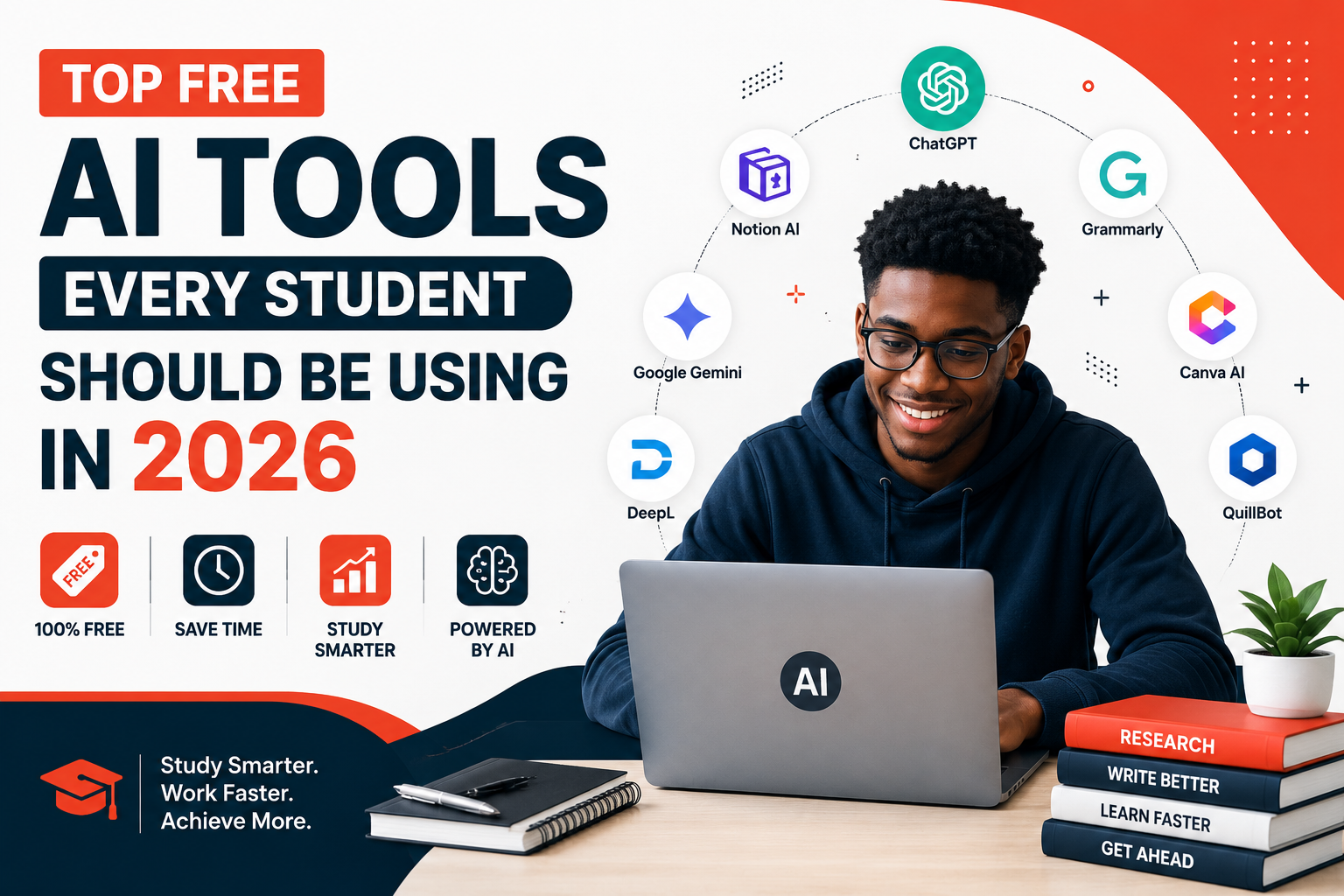
Are you facing challenges in your studies? The following five AI study tools, available at no cost, will transform your learning experience in 2026. There are no financial barriers and no justifications for not utilizing them.