



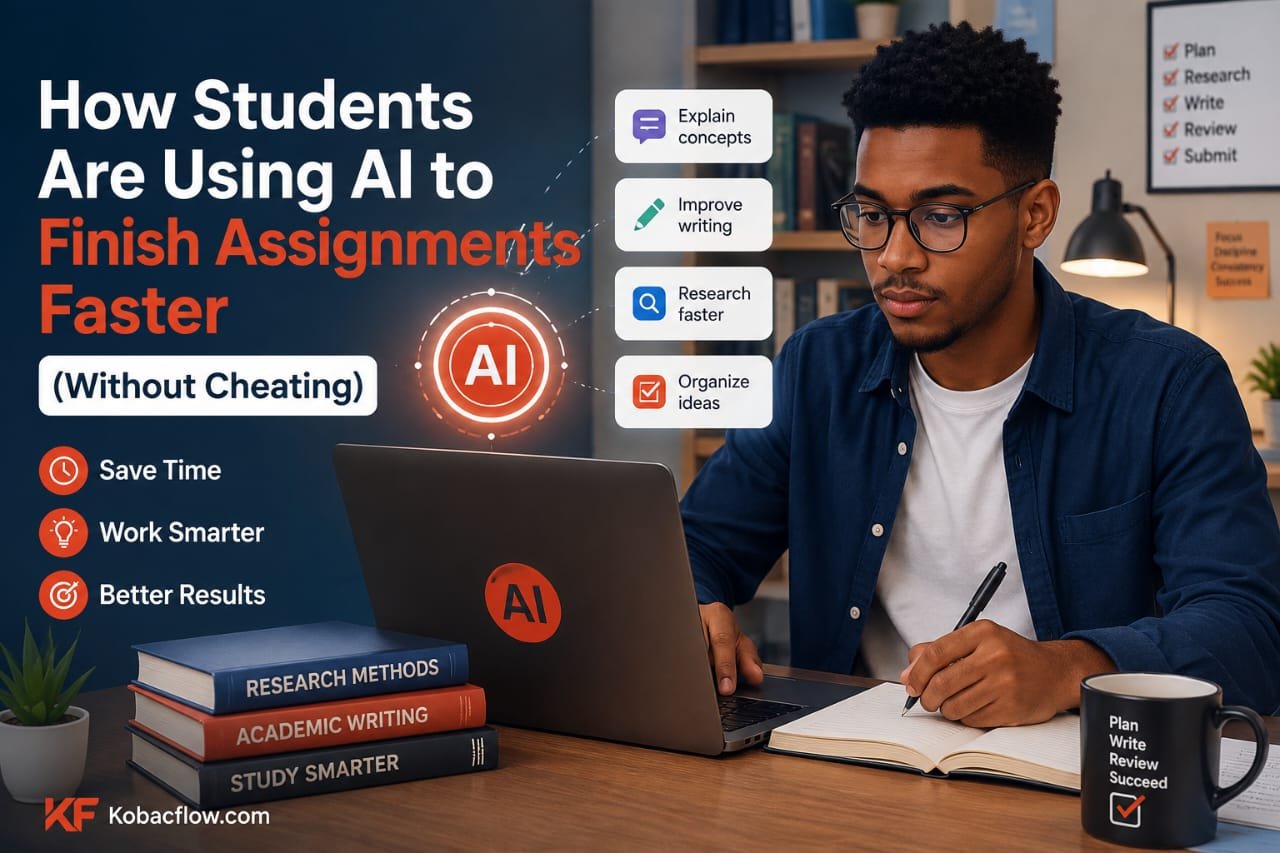
Your essay is due at midnight. You’ve got a blinking cursor, a cold cup of tea, and the creeping suspicion that “I’ll start early this time” was a lie you told yourself three weeks ago.
Sound familiar?
Here’s the thing nobody tells you in freshman orientation: the students who seem to have it all together aren’t smarter than you. They’re not pulling all-nighters powered by pure willpower either. A lot of them have just quietly figured out how to use AI tools the right way — as a research assistant, an editor, and a study partner, not as a ghostwriter.
And that distinction matters. A lot.
Because there’s a real difference between using AI to think faster and using AI to avoid thinking altogether. One gets you better grades and a skill you’ll use for the rest of your career. The other gets you a meeting with your academic integrity office. This guide is about the first one.
Why “Using AI” and “Cheating” Aren’t the Same Thing
Let’s clear something up first: AI tools are not inherently dishonest. A calculator doesn’t cheat at math. Spell-check doesn’t cheat at spelling. The tool isn’t the problem — how you use it is.
Cheating is submitting work that isn’t yours and claiming it is. Using AI well looks more like:
- Asking it to explain a confusing concept from your textbook in plain English
- Having it quiz you before an exam
- Using it to catch grammar mistakes and awkward sentences in your own draft
- Getting help structuring an outline so you’re not staring at a blank page
None of that replaces your thinking. It removes the friction around your thinking — the part where you’re stuck, tired, or just don’t know where to start. That’s the whole appeal, and it’s why so many students have quietly built AI into their study routine.
The AI Tools Students Are Actually Using (And For What)
Not all AI tools do the same job. Treating ChatGPT like it’s also your citation manager and your flashcard app is how people get overwhelmed and give up. Here’s how students are actually splitting the work.
1. Research and Understanding
This is where AI earns its keep the fastest. Instead of rereading the same dense paragraph five times, students are pasting confusing sections into an AI chatbot and asking, “explain this like I’m in high school” — then asking a harder follow-up once it clicks.
Tools like Claude and ChatGPT are popular here because they’re good at breaking down complicated ideas — a tangled economics theory, a dense philosophy passage, a lab report you half-understand — into something you can actually explain back to your professor. Perplexity gets used a lot too, mainly because it shows its sources, which matters when your professor asks “where did you get that?”
2. Writing and Editing (Not Ghostwriting)
Here’s where the line gets important. Smart students write their own draft first — messy, imperfect, whatever — and then bring in AI to tighten it up. Think of it as a really patient editor who never gets tired of your run-on sentences.
- Grammarly catches grammar and tone issues in real time
- Claude or ChatGPT can review a paragraph and explain why it’s unclear, not just rewrite it for you
- Hemingway Editor flags overly complex sentences so your writing sounds like you, not like a legal document
The habit that separates “using AI” from “cheating with AI” is simple: write first, polish second. If the tool is generating your ideas from scratch, you’ve skipped the part where you actually learn something.
3. Organizing Chaos Into an Actual Plan
Half of finishing assignments faster isn’t about writing faster — it’s about not wasting an hour figuring out what to even do first. This is where note-taking and planning tools with AI baked in save serious time.
Notion AI helps turn a wall of lecture notes into a clean outline. Some students use AI to summarize long PDFs or slide decks into key bullet points before an exam, which is a genuinely underrated move when you’ve got three finals in one week.
4. Citations and References
Nobody enjoys formatting a bibliography at 1 a.m. AI-assisted citation tools (and even a well-prompted chatbot) can generate a properly formatted APA or MLA citation in seconds — though it’s worth double-checking against your school’s citation guide, because AI does occasionally fumble a detail here.
5. Studying and Self-Testing
This is the most underrated use case. Instead of passively rereading notes (which barely works, by the way — the research on this is pretty clear), students are asking AI to generate practice questions, flashcards, or quiz them cold on a topic. Apps like Quizlet have leaned into AI-generated study sets, and plenty of students just prompt a chatbot directly: “quiz me on the causes of the French Revolution, one question at a time.”
Quick Comparison: Which AI Tool for Which Task
| Task | Good AI Tool Options | Free Plan Available? | How Students Use It |
|---|---|---|---|
| Understanding a tough concept | Claude, ChatGPT | Yes | Paste the confusing text, ask for a plain-English breakdown |
| Fact-checking with sources | Perplexity | Yes | Research questions where you need to see where info came from |
| Editing your own draft | Grammarly, Claude | Yes | Paste your paragraph, ask what’s unclear or repetitive |
| Simplifying sentence structure | Hemingway Editor | Yes | Runs your text through readability scoring |
| Organizing notes into an outline | Notion AI | Limited free tier | Turns messy notes into a structured outline |
| Formatting citations | Chatbot + citation tool | Yes | Generates APA/MLA format, then you verify it |
| Self-testing before exams | Quizlet, Claude, ChatGPT | Yes | Generates practice questions or flashcards on demand |
The Green Light / Red Light Test
If you’re ever unsure whether a specific use of AI crosses a line, run it through this quick gut check:
Green light (generally fine):
- Asking AI to explain something you don’t understand
- Using it to brainstorm angles or outline ideas before you write
- Having it edit or critique a draft you wrote
- Generating practice questions to test yourself
- Formatting citations you’ll double-check
Red light (this is where it becomes cheating):
- Asking AI to write the assignment and submitting it as your own
- Copy-pasting AI output without understanding or editing it
- Using AI during a closed-book exam or quiz your professor didn’t approve
- Ignoring your school’s specific AI policy because “everyone does it”
That second list isn’t really about AI — it’s the same stuff that was cheating before AI existed, just with a new tool attached to it. The technology changed. The definition of academic honesty didn’t.
Professors Are Catching On Here’s How to Stay on the Right Side of It
AI detection tools exist, and they’re imperfect in both directions — flagging honest work and missing generated work. But here’s the more important point: even if a detector misses something, using AI to skip the actual learning catches up with you eventually, usually on an exam where there’s no chatbot to bail you out.
The students playing the long game are the ones building a habit, not a shortcut:
- Always write your first draft yourself. Even a rough one. This is non-negotiable if you want AI use to stay ethical.
- Check your syllabus for your school’s specific AI policy. These vary wildly by professor and institution — don’t assume.
- Use AI to explain, not to answer. If you can’t explain the concept back in your own words after using a tool, you haven’t actually learned it.
- Keep your process visible. Some students keep their chat history or draft versions as a paper trail, just in case.
Frequently Asked Questions
Is it cheating to use ChatGPT or Claude for homework? It depends entirely on how you use it. Asking AI to explain a concept or edit your own writing generally isn’t cheating. Having it write the assignment for you and submitting that as your own work is.
Can professors tell if I used AI? Sometimes, but AI detection tools are notoriously unreliable — they produce both false positives and false negatives. The safer approach is following your school’s policy rather than betting on whether a detector will catch you.
What’s the best free AI tool for students? Claude and ChatGPT both offer solid free tiers and work well for explaining concepts, brainstorming, and editing. Perplexity is a strong free option when you need sourced research.
Can I use AI to write my whole essay? You can, but submitting it as your own work is academic dishonesty at most institutions. Use AI for the parts that support your writing process — outlining, editing, explaining — not for producing the final product wholesale.
Do all universities allow AI tools? No. Policies vary by school and even by individual professor. Some courses ban AI entirely, others allow it for specific tasks like brainstorming or citations. Always check your syllabus.
How can AI help me study for exams instead of writing papers? AI is genuinely great at generating practice questions, quizzing you on material, and summarizing dense readings into study guides — arguably a better use case than writing essays.
Will using AI tools make me a worse writer over time? Only if you let it write for you instead of editing what you’ve written. Used as an editor rather than an author, AI can actually sharpen your writing by showing you patterns in your own mistakes.
Is Grammarly considered an AI cheating tool? No. Grammarly is widely accepted for grammar and clarity checks, similar to spell-check. It edits your existing writing rather than generating new content for you.
The Bottom Line
The students finishing assignments faster aren’t cutting corners — they’re cutting friction. They’re using AI to get unstuck, to understand faster, and to polish work they actually wrote themselves. That’s not a shortcut around learning. It’s a smarter way to learn.
The tools aren’t going anywhere, and neither is the expectation that your work is genuinely yours. Figure out where that line is for your specific classes, build habits on the right side of it, and you’ll finish assignments faster and actually remember what you learned — which, funny enough, was the whole point of the assignment in the first place.
Want more honest breakdowns of AI tools that are actually worth your time? Kobacflow.com covers free and affordable AI tools for students, freelancers, and creators who want to work smarter without the hype.